
Podcasting
Podcast Equipment for Beginners in India: What You Actually Need (and What You Don't)
By Abhiram Chandramohan · · 4 min read
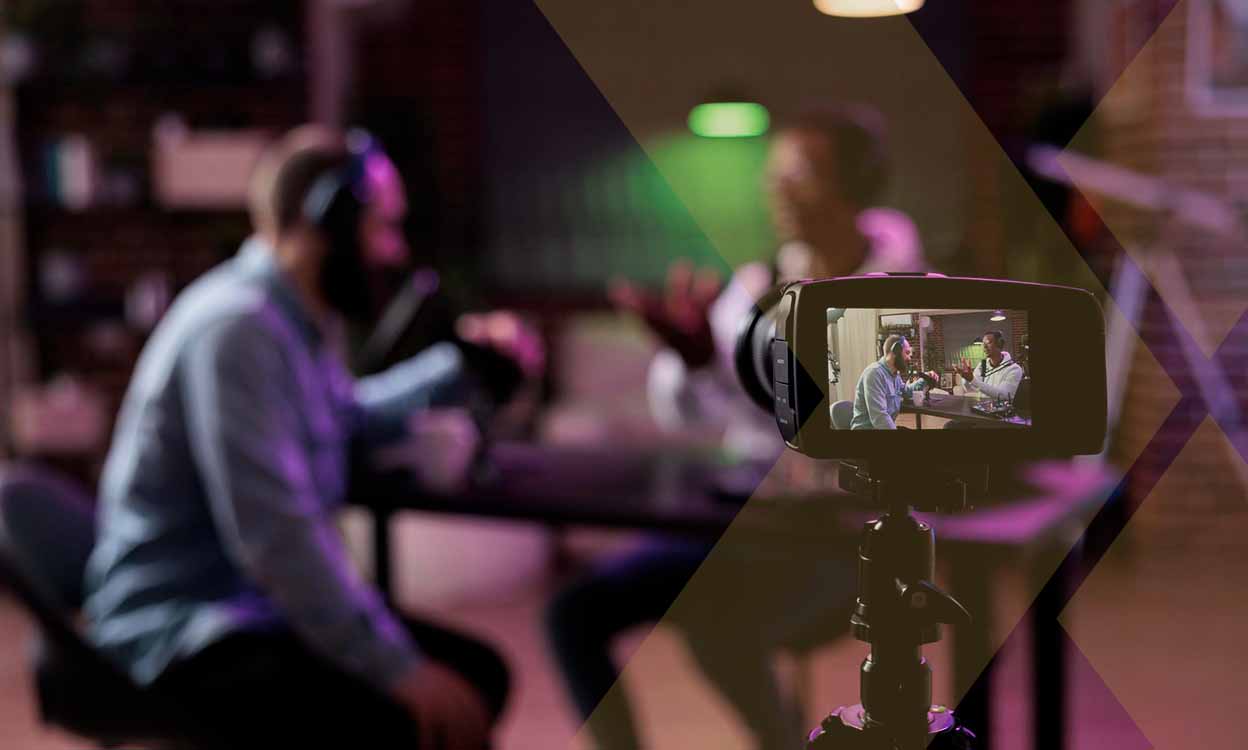
Short answer: to start a podcast in India you need a decent microphone, a pair of closed headphones and a quiet room with soft furnishings. That is enough to sound professional. A video podcast adds a camera (a good phone works), simple lighting and a tidy background. Spend on audio first: listeners forgive average video, but they leave quickly when the sound is bad.
Why does audio matter more than anything else?
People listen to podcasts on earphones, in cars and on walks. Echo, hum, uneven volume and keyboard clicks are tiring to hear for 40 minutes. A clean, close voice feels intimate and trustworthy. That is why the microphone and the room deserve most of your budget and attention.
The beginner kit, at three levels
Level 1: Phone-first (lowest cost)
- A clip-on lavalier microphone or a wireless lav kit that plugs into your phone
- Wired earphones to monitor sound
- Your phone on a small tripod for video
- A window or a ring light for even light on your face
Good for testing an idea, solo shows and recording on location.
Level 2: Home setup
- A dynamic USB microphone (dynamic mics pick up less room noise than condenser mics, which helps in Indian homes with fans and traffic)
- Closed-back headphones
- A boom arm or desk stand
- A webcam or mirrorless camera, plus a softbox or LED panel
Good for weekly solo or remote-interview shows.
Level 3: Two-person interview setup
- Two dynamic XLR microphones
- An audio interface or a podcast mixer with two inputs
- Two or three cameras for host, guest and wide shots
- Two lights and some acoustic treatment
This is where costs climb quickly, and where many creators decide to record in a studio instead.
What about the room?
The room matters as much as the microphone. Small rooms with curtains, carpets, beds and bookshelves sound better than large, bare rooms. Switch off fans and ACs while recording, close windows, and keep the microphone a hand's width from your mouth. Record a 30-second test and listen back on headphones before every session.
Which software should I use?
- Recording: Audacity (free) for audio; OBS or your camera app for video; Riverside or a similar tool for remote guests.
- Editing: Audacity or Adobe Audition for audio, DaVinci Resolve (free version) for video.
- Clips: CapCut or similar tools for reels and Shorts.
- Hosting: a podcast host that publishes your RSS feed to Spotify and Apple Podcasts, and YouTube for the video version.
Which mistakes waste the most money?
- Buying a sensitive condenser microphone for a noisy room.
- Spending on cameras before fixing audio.
- Buying gear for a show you have not tested yet. Record three episodes first.
- Ignoring editing. Raw recordings rarely sound finished.
When does a studio make more sense?
If you want a two-person video podcast with multiple cameras from day one, a studio is usually cheaper and much faster than building one. You skip the setup, the room is treated, and someone else handles sound and cameras while you focus on the conversation. Many of the 17 podcasters we have launched started in our Bengaluru studio for exactly this reason.
Our become a podcaster program in Bangalore gives you studio access from class one and teaches you the gear, recording and editing, with your show launched by class 30. Read how to start a podcast in Bangalore for the full step-by-step process.
Frequently asked questions
Can I start a podcast with just my phone?
Yes. A phone and a clip-on microphone in a quiet room can sound surprisingly good. Upgrade when the show proves itself.
USB or XLR microphone?
USB is simpler for one person. XLR with an interface is better for two or more people and gives you more control.
Do I need a video podcast?
Not necessarily, but video helps discovery on YouTube and short clips grow your audience faster. See our guide to video versus audio podcasts.